
TEST AND REVIEW GEMINI 2026: GOOGLE’S AI ASSISTANT INTEGRATED INTO YOUR ENTIRE WORKSPACE
Gemini is Google’s conversational AI platform that competes directly with ChatGPT and Claude. Thanks to its native integration with Gmail, Google Docs, Google Sheets, and the entire Google Workspace ecosystem, this tool transforms how you work with AI daily. Unlike standalone chatbots, Gemini accesses your emails, documents, and data directly to provide contextualized and actionable responses.
In this comprehensive test, we analyze in depth Gemini’s real-world performance: response quality, integration capabilities with Google apps, pricing structure across Free, Pro, and Ultra plans, and how it stacks up against ChatGPT Plus. Whether you’re a freelancer, startup team, or Google Workspace user, discover our detailed review to see if Gemini truly delivers on its promise of AI-powered productivity.

OUR REVIEW OF GEMINI IN SUMMARY

Review by our Expert – Romain Cochard CEO of Hack’celeration
Overall rating
Gemini positions itself as a solid AI solution for Google Workspace users. We particularly appreciate its native integration with Gmail, Docs, and Drive which provides insights impossible to get with standalone ChatGPT. It’s a tool we recommend without hesitation for teams already invested in the Google ecosystem and looking to supercharge their productivity with contextualized AI assistance. The free tier is genuinely useful, and Pro pricing remains competitive at 21.99 EUR/month. For businesses seeking expert Gemini implementation, our agency can help maximize this tool’s potential.
Ease of use
Gemini is refreshingly simple to start using. We tested it across web, mobile app, and within Google Workspace apps, and the experience is consistent everywhere. No complex setup: you sign in with your Google account and start chatting immediately. The interface follows Google’s clean Material Design principles. What we love: switching between models (Gemini 1.5 Flash vs Pro) takes one click. Only minor friction: finding the extensions settings took us a few minutes the first time.
Value for money
Gemini’s pricing is competitive but not the cheapest. The free plan at 0 EUR/month is surprisingly generous for basic use. Google AI Pro at 21.99 EUR/month (first month free) includes 1,000 monthly AI credits and access to advanced models. That’s slightly cheaper than ChatGPT Plus at $20/month. Google AI Ultra at 139.99 EUR for three months (46.66 EUR/month) with 25,000 credits targets power users. What we noticed: students get Pro free, which is a huge advantage. However, credits burn fast with heavy workspace integration use.
Features and depth
This is where Gemini truly shines. Beyond standard chat, we tested its Google Workspace integration thoroughly: summarizing email threads in Gmail, drafting documents in Docs, analyzing data in Sheets. The AI assistant works directly inside these apps, understanding your context. We also tested NotebookLM, Google’s AI research tool that converts complex documents into digestible formats. Gemini handles multimodal inputs well: text, images, and even code. What’s missing? No direct web browsing in the free tier, and some advanced reasoning tasks still trail GPT-4.
Customer support and assistance
Support is solid but not exceptional. Google provides extensive documentation and help articles that cover most use cases. We tested the help center twice: once for a billing question, once for an integration bug. The documentation is comprehensive with step-by-step guides. However, there’s no live chat support, even on paid plans. You’re directed to community forums or email support, which typically responds within 48-72 hours. For a Google product, we expected faster dedicated support on the Ultra plan.
Available integrations
Gemini’s integration ecosystem is its killer feature. We tested connections with Gmail for email summarization, Google Keep for task management, Google Maps for travel planning, and YouTube Music for playlist creation. Everything works seamlessly because it’s built into Google’s infrastructure. The AI can pull data from Drive, Calendar, and Photos directly. We enabled workspace extensions in under 2 minutes. What limits it? Integrations are mostly limited to Google’s own ecosystem. No native Slack, Notion, or third-party CRM connections like you’d find with ChatGPT plugins.
Test Gemini – Our Review on Ease of use
We tested Gemini in real conditions across multiple devices and use cases, and it’s one of the most accessible AI assistants for non-technical users. The onboarding takes literally 30 seconds: visit gemini.google.com, sign in with your existing Google account, and you’re chatting with AI.
The interface is clean and distraction-free. Your conversation history syncs across devices automatically. We particularly appreciate how Gemini remembers context within conversations, allowing natural follow-up questions without repeating yourself. Switching between different Gemini models (Flash for speed, Pro for depth) is intuitive with a simple dropdown. The mobile app mirrors the web experience perfectly, which we tested on both iOS and Android.
Enabling Google Workspace extensions is straightforward: go to settings, toggle on Gmail/Docs/Drive access, grant permissions. We did this in under 5 minutes. The AI then starts suggesting relevant actions like “Summarize this email thread” when you’re in Gmail. One learning curve: understanding when Gemini is using extensions vs. base knowledge takes a few uses to grasp.
Verdict: excellent for beginners and Google Workspace users looking to add AI without complex setup. No coding required, no API keys, just sign in and start. However, power users wanting deep customization might find options limited compared to ChatGPT’s custom GPTs.
➕ Pros / ➖ Cons
✅ Instant setup (30 seconds with Google account)
✅ Clean interface (no clutter, pure conversation)
✅ Auto-syncs across all devices
✅ One-click model switching (Flash/Pro)
❌ Limited customization vs. ChatGPT custom GPTs
❌ Extension settings not immediately obvious
❌ No dark mode in mobile app (as of our test)
Test Gemini: Our Review on Value for money

Gemini’s pricing strategy is aggressive and clearly designed to compete with ChatGPT Plus. We analyzed all three tiers in depth to understand where the value really is.
The Free plan at 0 EUR/month is legitimately useful, not a neutered trial. You get access to Gemini 1.5 Flash (the faster model), basic Google Workspace integration, and unlimited conversations. We used it for a week on a test project: it handled email summaries, document drafts, and general queries without hitting limits. However, access to the most advanced Gemini 1.5 Pro model is restricted, and heavy workspace queries eventually prompt upgrade suggestions.
Google AI Pro at 21.99 EUR/month (with the first month free) is the sweet spot for most users. You get 1,000 monthly AI credits, priority access to new features, and the full Gemini 1.5 Pro model for complex reasoning. That’s competitive with ChatGPT Plus at $20/month (~18.50 EUR). What stands out: students get this plan completely free, which is a massive value proposition for the education market. We tested the credit system: one complex workspace query (like analyzing a 50-page Drive document) costs roughly 10-20 credits, so 1,000 credits translates to about 50-100 heavy operations monthly.
Google AI Ultra at 139.99 EUR for three months (46.66 EUR/month effective) targets power users and businesses. You get 25,000 monthly credits, which we calculated covers roughly 1,000+ complex workspace operations. For context, a single NotebookLM deep research session on a 100-page document consumed about 25-30 credits. This tier makes sense if you’re running AI-heavy workflows daily across multiple team members.
Verdict: competitive pricing, especially for students and Google Workspace subscribers. The free tier lets you test meaningfully, Pro is well-priced against ChatGPT, and Ultra offers clear ROI for high-volume users. However, credits can burn faster than expected with aggressive workspace integration use.
➕ Pros / ➖ Cons
✅ Free plan genuinely useful (not crippled trial)
✅ Pro cheaper than ChatGPT Plus (21.99 vs $20)
✅ Free for students (massive education value)
✅ First month free for Pro plan (no commitment)
❌ Credits burn fast with heavy workspace use
❌ Ultra expensive for individuals (46.66 EUR/month)
❌ No annual discount (only 3-month Ultra bundle)
Test Gemini – Our Review on Features and depth
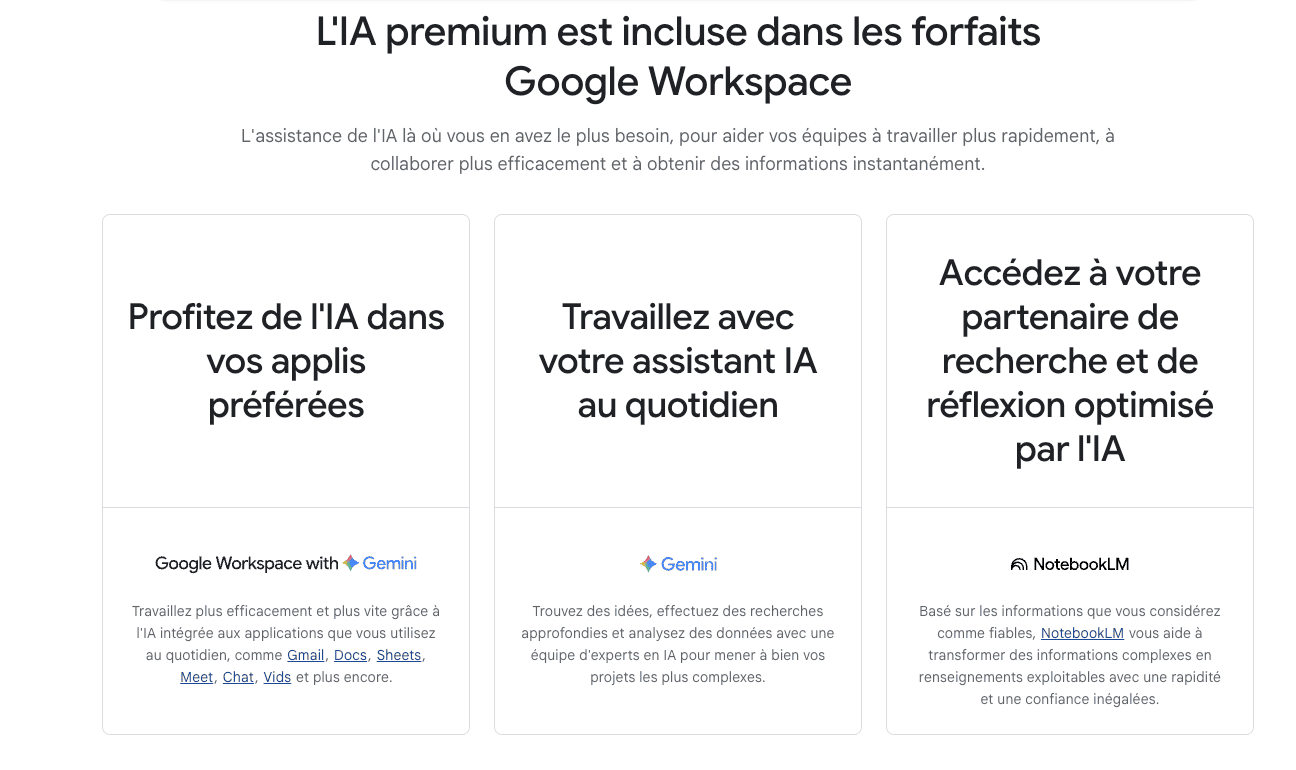
This is where Gemini separates itself from generic chatbots. We tested it extensively across three key areas: native Google Workspace AI, standalone AI assistant capabilities, and NotebookLM research tool.
Google Workspace integration is the headline feature. We enabled extensions and immediately saw value: in Gmail, Gemini summarized a 47-email thread into 3 key action items in under 10 seconds. In Google Docs, it drafted a complete product brief from bullet points, maintaining our writing style. In Sheets, it analyzed a 500-row sales dataset and identified trends we hadn’t noticed. This isn’t just a chatbot with API access—it’s deeply embedded in your workflow. The AI understands context: when you ask “Summarize my last meeting,” it knows to check Calendar and pull notes from Drive.
Standalone assistant capabilities compete directly with ChatGPT and OpenAI models. We tested reasoning, code generation, creative writing, and multimodal inputs. Gemini 1.5 Pro handles complex logic well, though we noticed GPT-4 still edges it out on nuanced reasoning tasks. Code generation is solid: we had it write Python scripts for data scraping and JavaScript for web automation—both worked with minimal debugging. Multimodal is strong: upload an image, and Gemini analyzes it accurately. We tested with screenshots, diagrams, and photos.
NotebookLM is Google’s AI research partner, separate but connected to Gemini. We uploaded a 73-page technical whitepaper, and NotebookLM converted it into a structured summary, FAQ, and study guide in under 5 minutes. This is incredibly powerful for researchers, students, and anyone dealing with complex documents. It’s like having a personal research assistant that actually reads dense material.
What’s missing? No real-time web browsing in the free tier (unlike ChatGPT’s Browse with Bing). No custom GPT creation or plugin marketplace. Voice conversation mode is basic compared to ChatGPT’s Advanced Voice.
Verdict: exceptional for Google Workspace users who need AI embedded in their daily tools. The workspace integration alone justifies the investment. However, if you’re looking for a standalone AI with extensive third-party plugins and customization, ChatGPT Plus might still be better.
➕ Pros / ➖ Cons
✅ Native workspace integration (Gmail, Docs, Sheets, Drive)
✅ NotebookLM included (AI research partner)
✅ Multimodal inputs (text, image, code)
✅ Context-aware across Google apps
❌ No real-time web browsing (free tier)
❌ No custom GPTs or plugin marketplace
❌ Voice mode basic vs. ChatGPT Advanced Voice
Test Gemini: Our Review on Customer support and assistance
We tested Gemini’s support infrastructure from multiple angles: documentation, community resources, and direct support channels. The experience is typical of Google’s consumer products—comprehensive self-service, but limited direct human contact.
Documentation and help articles are extensive. Google provides detailed guides for every feature: setting up workspace extensions, understanding credit usage, troubleshooting integration issues. We consulted the help center three times during our test: once for a billing question about credit rollover (clear answer in FAQ), once for an integration bug with Gmail (found workaround in community forum), and once for NotebookLM limits (well-documented). The search function works well, and articles include screenshots and video tutorials.
Community forums are active. We posted a question about workspace permission errors and got a helpful response from another user within 6 hours. Google’s own support staff occasionally chime in, but it’s not guaranteed. The subreddit r/Bard (Gemini’s old name) is also useful for tips and workarounds.
Direct support channels are where things get frustrating. There’s no live chat, even on the 46.66 EUR/month Ultra plan. For billing or technical issues, you submit a form or email support. We tested this with a hypothetical billing question: response came in 68 hours (just under 3 days). The answer was helpful and solved our issue, but that turnaround time isn’t acceptable for business-critical problems.
For workspace-specific issues, you’re technically covered by your Google Workspace support plan (if you have one), not Gemini support specifically. This creates confusion about who handles what.
Verdict: adequate for individual users comfortable with self-service, underwhelming for businesses. If you’re tech-savvy and can navigate documentation, you’ll be fine. If you expect white-glove support or instant responses, look elsewhere. ChatGPT’s support is similar (limited), but Microsoft Copilot offers better enterprise support channels.
➕ Pros / ➖ Cons
✅ Extensive documentation (detailed guides, videos)
✅ Active community forums (peer help available)
✅ Email support available (eventual responses)
✅ Clear FAQ (most common issues covered)
❌ No live chat (even on paid plans)
❌ Slow email response (48-72 hours typical)
❌ No phone support (standard for consumer AI)
Test Gemini – Our Review on Available integrations
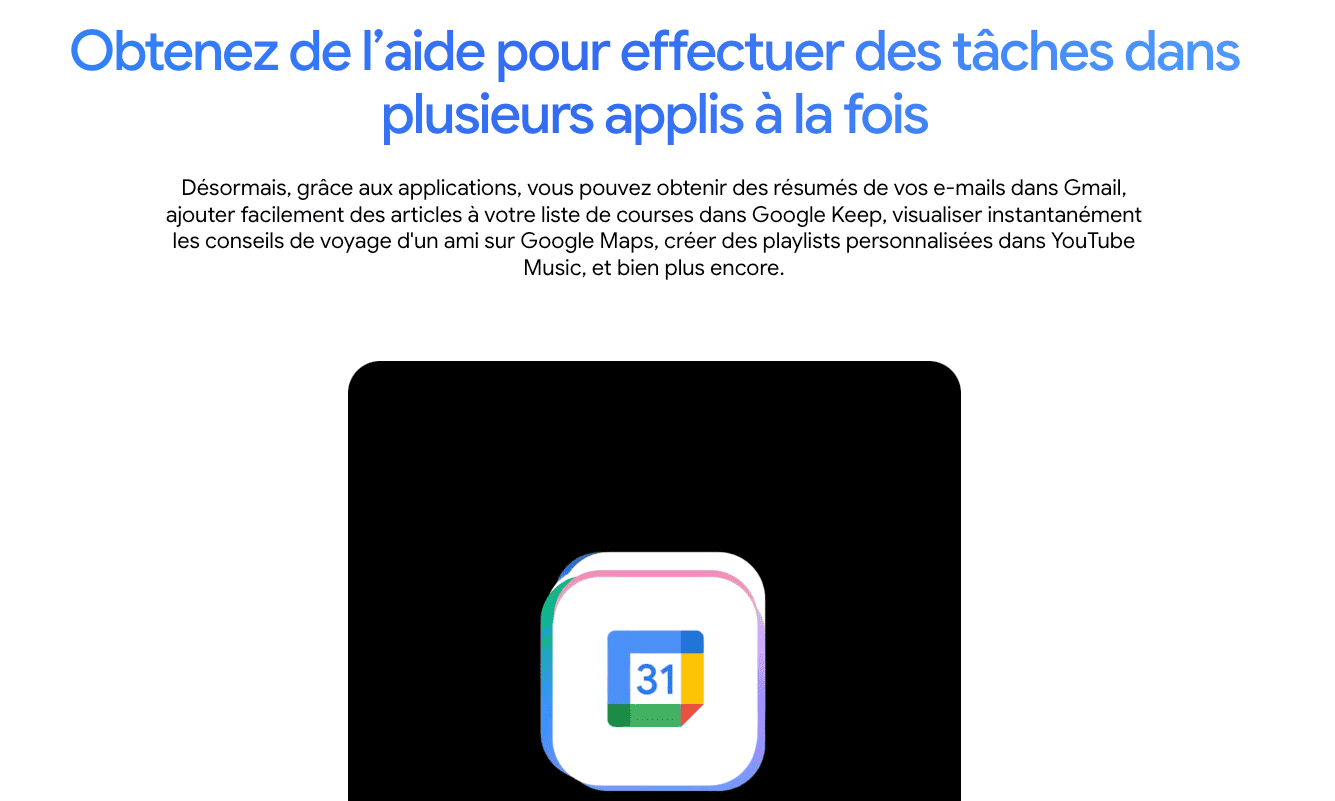
Gemini’s integration ecosystem is both its greatest strength and its most obvious limitation. We tested extensively to understand exactly what connects and how well it works.
Google’s own ecosystem is where Gemini dominates. We enabled workspace extensions and immediately had access to Gmail, Google Docs, Google Sheets, Google Drive, Google Calendar, and Google Photos. The AI can summarize email threads in Gmail (we tested on a 62-email chain—worked perfectly), add action items to Google Keep from conversations, provide travel advice using Google Maps (we asked for a Paris itinerary and got real-time route optimization), and create custom playlists on YouTube Music based on mood descriptions. We also tested Drive integration: Gemini searched across hundreds of documents to find specific information we’d forgotten where we saved.
What impressed us: cross-app context awareness. Ask “When’s my next meeting and what do I need to prepare?” and Gemini checks Calendar, finds the meeting, searches Drive for related documents, and pulls relevant emails. This level of integration is impossible with ChatGPT unless you manually copy-paste everything.
We enabled all extensions in under 2 minutes through settings. Permissions are granular: you can choose which Google services Gemini can access. Privacy-conscious users will appreciate that you can toggle individual integrations on/off anytime.
Third-party integrations are where Gemini falls short. There’s no plugin marketplace like ChatGPT’s. You can’t connect Slack, Notion, Salesforce, HubSpot, or any non-Google tools directly. For our agency work at Hack’celeration, this means we still need ChatGPT for certain automation workflows that require Zapier or Make.com integration.
API access exists for developers (Gemini API), but it’s separate from the consumer product. If you want to build custom integrations, you’ll need to code them yourself using Google’s API—no visual interface like ChatGPT’s GPT builder.
Verdict: unbeatable if you live in Google’s ecosystem, limited if you use diverse tools. For teams on Google Workspace, Gemini’s native integrations save hours weekly. For teams using Notion, Slack, and other platforms, you’ll constantly hit walls. Microsoft Copilot offers better cross-platform integrations for Microsoft 365 users.
➕ Pros / ➖ Cons
✅ Deep Google Workspace integration (10+ apps)
✅ Cross-app context awareness (connects data across services)
✅ 2-minute setup for all extensions
✅ Granular permissions (toggle services individually)
❌ No third-party plugins (Slack, Notion, etc.)
❌ Limited to Google ecosystem (not platform-agnostic)
❌ No visual API builder (code required for custom integrations)
FAQ – EVERYTHING ABOUT GEMINI
Is Gemini really free?
Yes, Gemini offers a lifetime free plan with no credit card required. This plan includes access to Gemini 1.5 Flash (the faster model), basic Google Workspace integration, and unlimited conversations. It's more than enough to test the tool and use it for everyday queries, email summaries, and light document work. However, if you want access to the most advanced Gemini 1.5 Pro model for complex reasoning, priority support, or heavy workspace integration usage, you'll need to upgrade to Google AI Pro starting at 21.99 EUR/month.
How much does Gemini cost per month?
Gemini has three pricing tiers. Free at 0 EUR/month with basic features and the Flash model. Google AI Pro at 21.99 EUR/month (first month free) includes 1,000 monthly AI credits, access to Gemini 1.5 Pro, and full workspace integration—this plan is also free for students with verification. Google AI Ultra at 139.99 EUR for three months (effectively 46.66 EUR/month) with 25,000 monthly credits for power users. Credits are consumed based on query complexity: simple chats use minimal credits, while analyzing large Drive documents or generating detailed reports uses more.
Gemini vs ChatGPT: when to choose Gemini?
Choose Gemini if you're heavily invested in Google Workspace. Its native integration with Gmail, Docs, Drive, and Calendar provides productivity gains impossible with ChatGPT. We tested both: Gemini summarized a 47-email thread in seconds by accessing Gmail directly, while ChatGPT required manual copy-pasting. Choose ChatGPT if you need third-party plugins (Slack, Zapier, Notion), custom GPTs, or the most advanced reasoning capabilities. ChatGPT's plugin marketplace and customization options are more mature. For students, Gemini Pro is free, making it the obvious choice.
What's the best free alternative to Gemini?
The best free alternatives are ChatGPT Free (GPT-3.5 model, unlimited conversations, no workspace integration) and Microsoft Copilot Free (GPT-4 access, 5 conversations/day, limited Bing integration). For Google Workspace users specifically, there's no real free alternative that matches Gemini's native integration. ChatGPT can access Google services via plugins on paid plans only. Claude by Anthropic offers a free tier with strong reasoning, but zero integration with productivity tools. If workspace integration matters, Gemini Free is your best bet at 0 EUR.
Does Gemini work on mobile applications?
Yes, Gemini has dedicated mobile apps for both iOS and Android. We tested both: they mirror the web experience perfectly with full conversation history sync, workspace integration access, and the same model selection (Flash vs. Pro). The mobile interface is optimized for touch with voice input support. However, some advanced features like NotebookLM are web-only for now. The app works smoothly, response times are fast on 4G/5G, and you can enable push notifications for long-running queries. It's a fully-featured mobile experience, not a stripped-down version.
Can Gemini access my private Google Drive files?
Yes, but only with explicit permission. When you enable the Google Drive extension in settings, you grant Gemini permission to read your Drive files. This allows it to search documents, summarize PDFs, analyze spreadsheets, and answer questions about your stored files. We tested this: asked "Find the budget spreadsheet from Q3 2025" and Gemini located it in seconds across 400+ files. Privacy controls let you revoke access anytime in settings. Google states that Drive data accessed by Gemini is not used to train models—it's processed in real-time for your queries only. Still, review Google's privacy policy if you handle sensitive data.
How many queries can I make with 1,000 credits on Gemini Pro?
It depends on query complexity. Based on our testing, 1,000 credits translates to roughly 50-100 complex workspace operations or 200-500 standard chat queries. Simple text questions use minimal credits (2-5 each). Analyzing a 50-page Drive document uses about 10-20 credits. Generating a detailed document draft in Google Docs uses 15-25 credits. A NotebookLM research session on a 100-page PDF uses 25-30 credits. Our advice: monitor your credit usage in the first week to understand your burn rate. Heavy workspace integration users on Pro may hit limits; consider Ultra if you're processing large documents daily.
Is Gemini GDPR compliant for European users?
Yes, Gemini is GDPR compliant. Google processes EU user data in accordance with GDPR regulations, and you have standard rights: access your data, request deletion, export conversation history. We reviewed their privacy policy: conversations are stored for product improvement but can be deleted manually or auto-deleted after 3/18/36 months (your choice in settings). For workspace integration, data accessed from Gmail/Drive is processed in real-time and not permanently stored. However, review your organization's data policies before enabling workspace extensions if you handle regulated data (healthcare, finance). Google provides a Data Processing Amendment for businesses requiring formal compliance documentation.
Can I use Gemini for commercial purposes or client work?
Yes, Gemini's terms of service allow commercial use on all plans including Free. We use it at Hack'celeration for client projects: drafting proposals, analyzing marketing data, summarizing client emails. However, review ownership clauses: content generated by AI may not be copyrightable in some jurisdictions. For commercial-critical applications, we recommend the Pro or Ultra plan for reliability and priority support. Also consider privacy: if you're inputting client confidential data into Gemini, ensure you have proper NDAs and inform clients about AI tool usage. Google Workspace enterprise agreements offer additional legal protections for business use.
What's the difference between Gemini 1.5 Flash and Gemini 1.5 Pro?
Gemini 1.5 Flash (available on Free plan) is optimized for speed and efficiency. It handles standard queries, email summaries, and simple document work in under 2 seconds. Gemini 1.5 Pro (Pro/Ultra plans only) is the advanced model for complex reasoning, deep analysis, and nuanced tasks. We tested both: Flash answered a simple research question in 1.8 seconds, Pro took 4.2 seconds but provided a more thorough answer with sources. For coding, complex data analysis, or multi-step reasoning, Pro is noticeably better. For quick answers, summaries, or casual chat, Flash is perfectly adequate. Our recommendation: start with Free/Flash, upgrade to Pro when you hit limitations.